Your swatches, ready to color.
Pick your box of markers or pencils, and SwatchThat arranges every color on a printable shape. You color it in, compare, and finally see what you really have.
How it works
- 1
Pick your box.
Find your set in the list of known boxes.
- 2
Play with your swatches.
Pick a shape, arrange your colors, watch the live preview.
- 3
Print and color.
Download your shape as PDF or SVG, then color each cell with the real marker.
A shape for every use
Cards
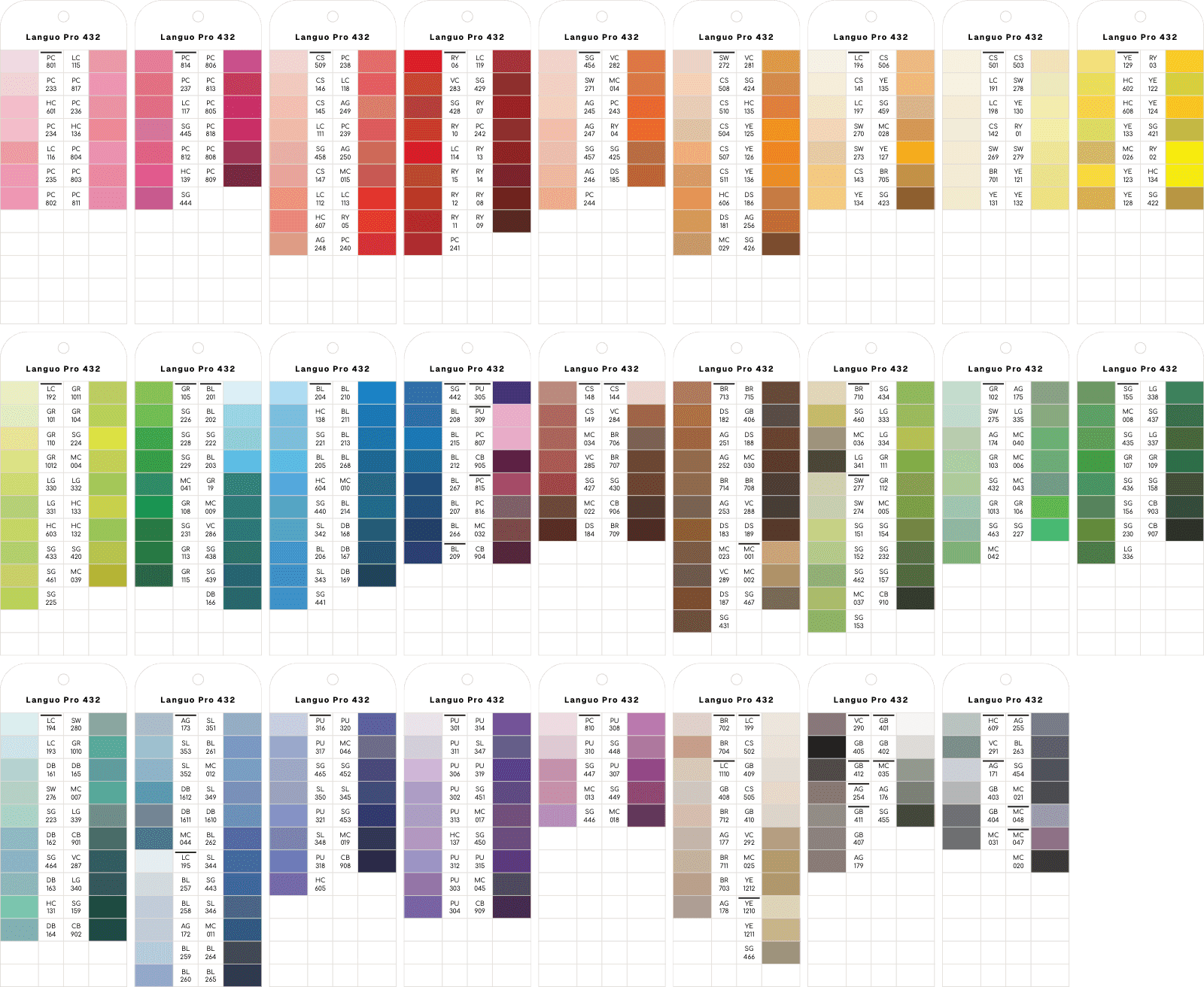
Two-column cards, with a hole to thread them on a ring.
See the shapeWheel
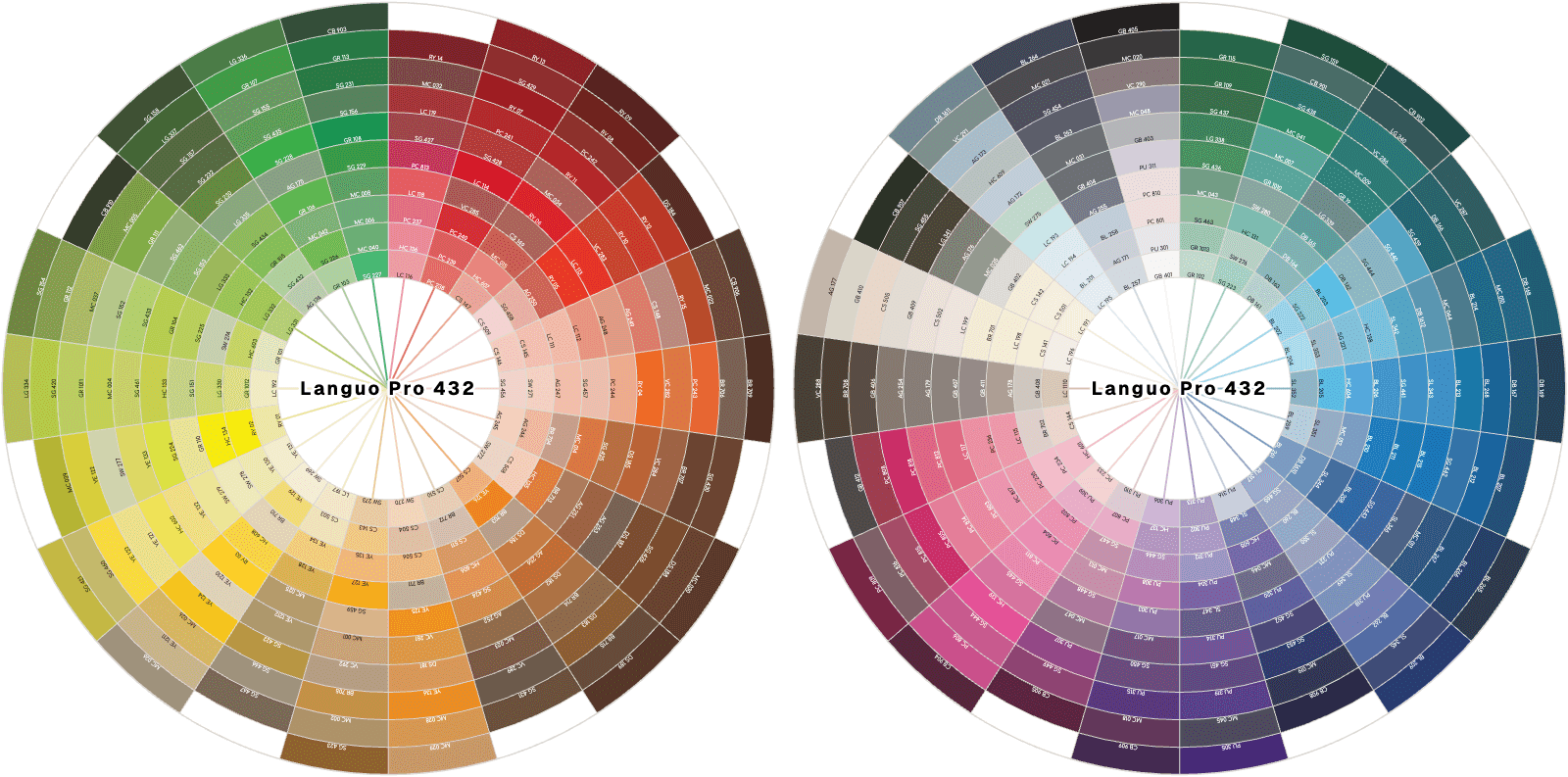
Your hues in a circle, from light in the center to dark at the edge.
See the shape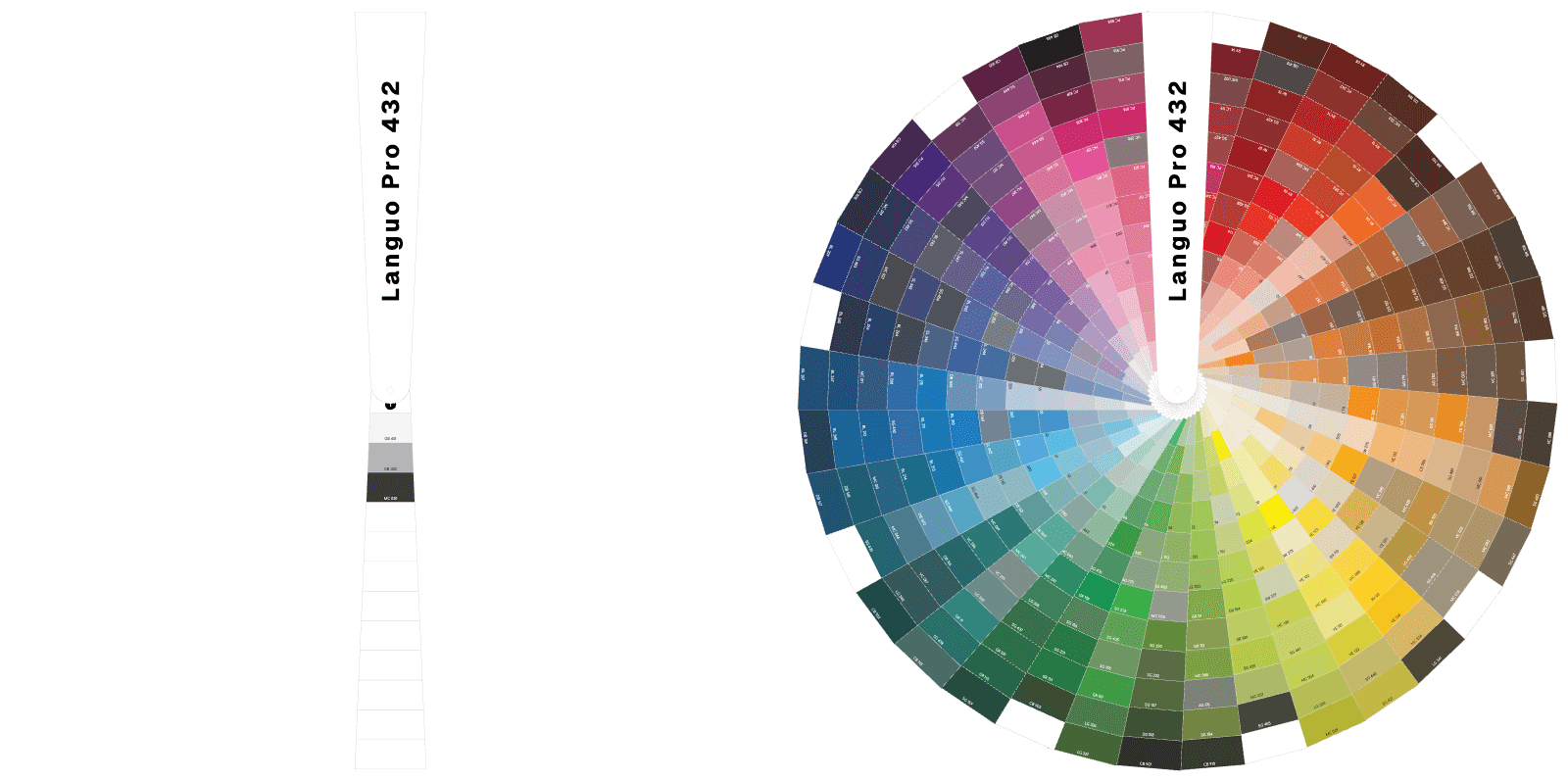
Fan
Narrow strips that follow the wheel and open like a fan.
See the shape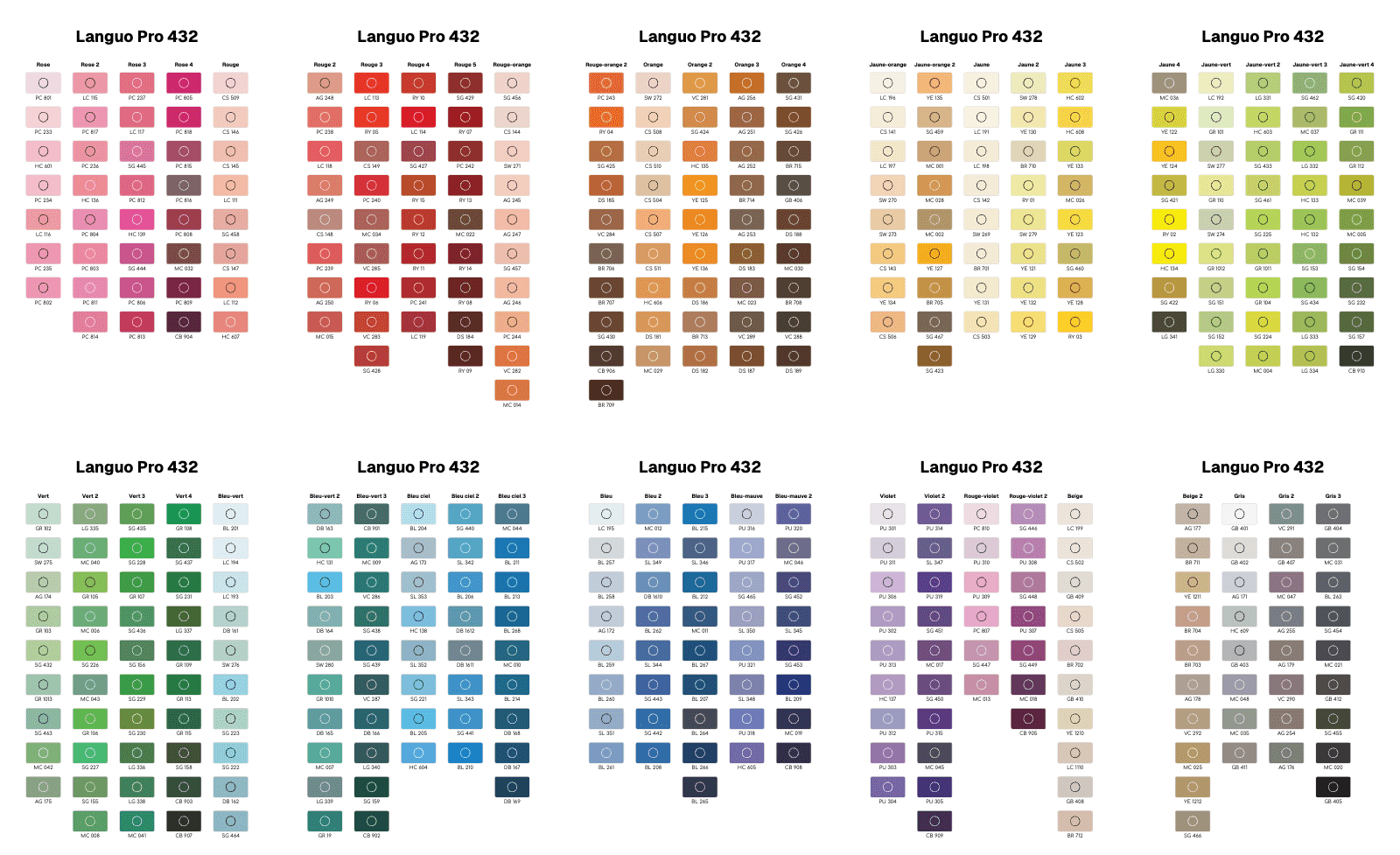
Hole-punched page
Cells to punch so you compare your color right on the page.
See the shape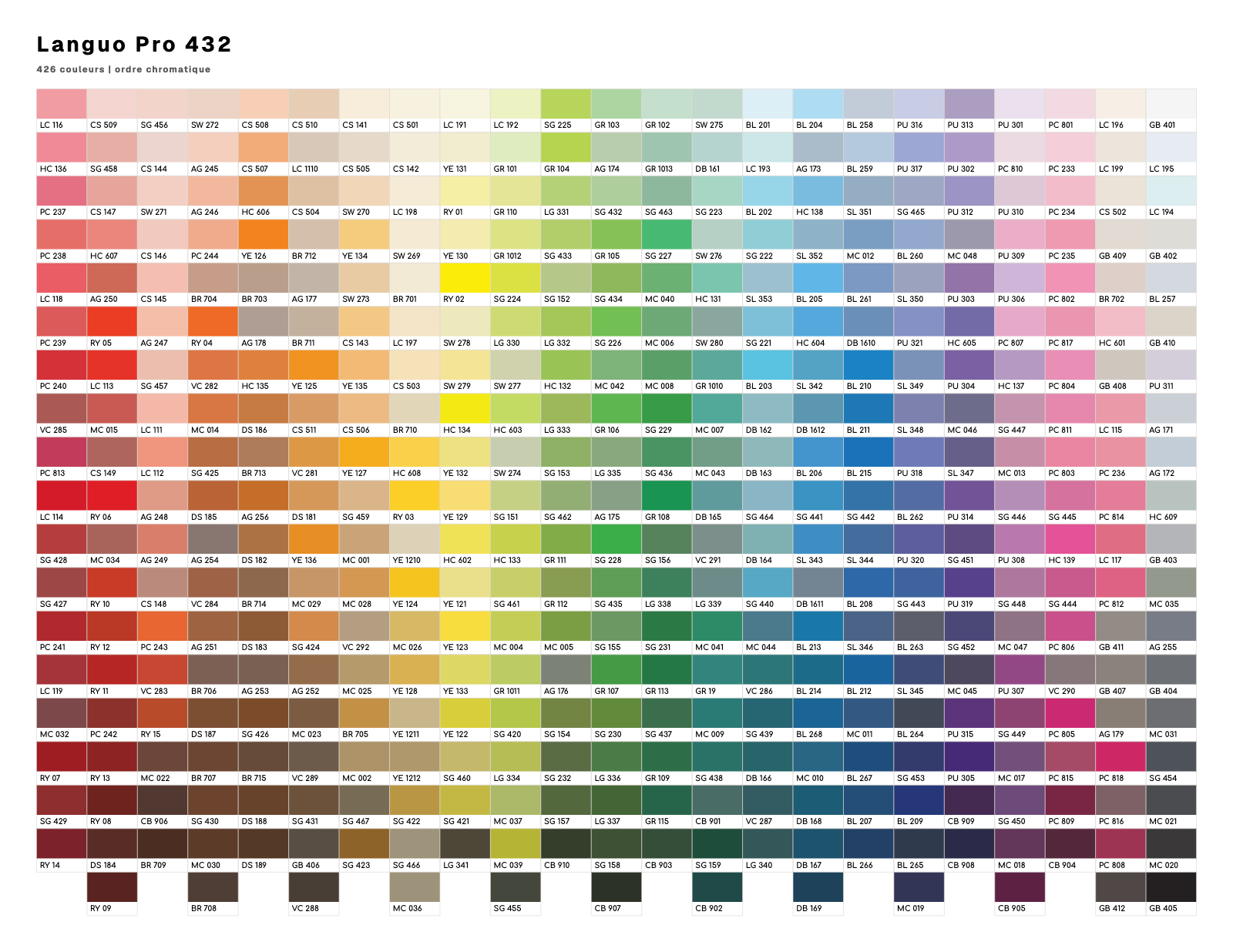
Poster
All your colors on a single page, in a grid.
See the shape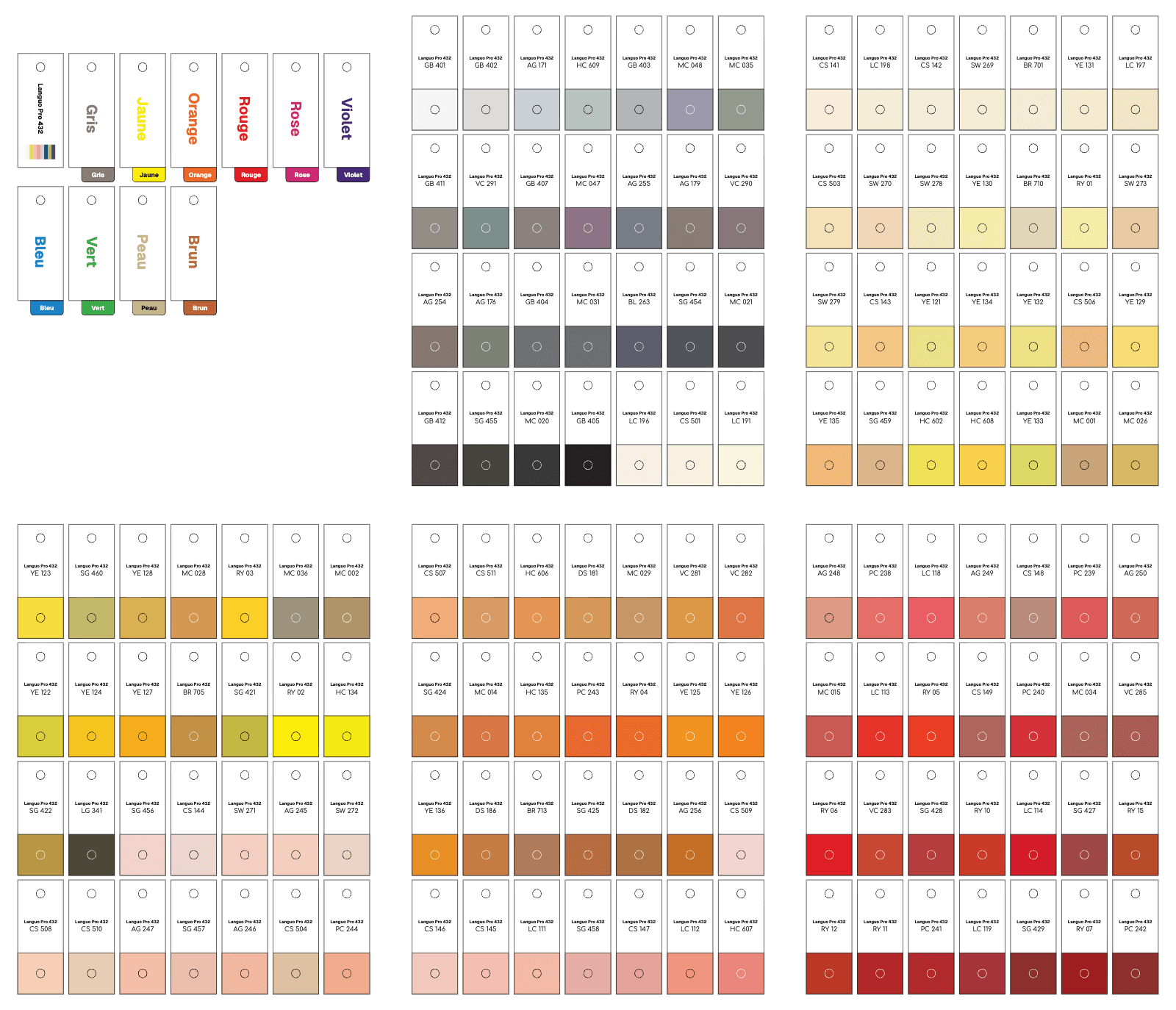
Key ring
One tag per color on a ring, sorted by family.
See the shape
Alcohol or acrylic markers?
Both. With alcohol markers, the color changes with the paper and the number of layers: your swatch shows you the real shade. With acrylic markers, the paint covers and dries opaque: your swatch is a quick reference, especially for color-by-number pages, with the hole-punched page.
Completely free
Without an account, you play with your swatches, with a watermark on the preview. With a free account, you download your swatches as PDF or SVG, without a watermark, and save your boxes, box groups and setups.